
AI Interior Design
from Your Room Photo
Your room. Reimagined.
Upload a photo, choose a style and color palette, and explore a personalized interior design created with AI.
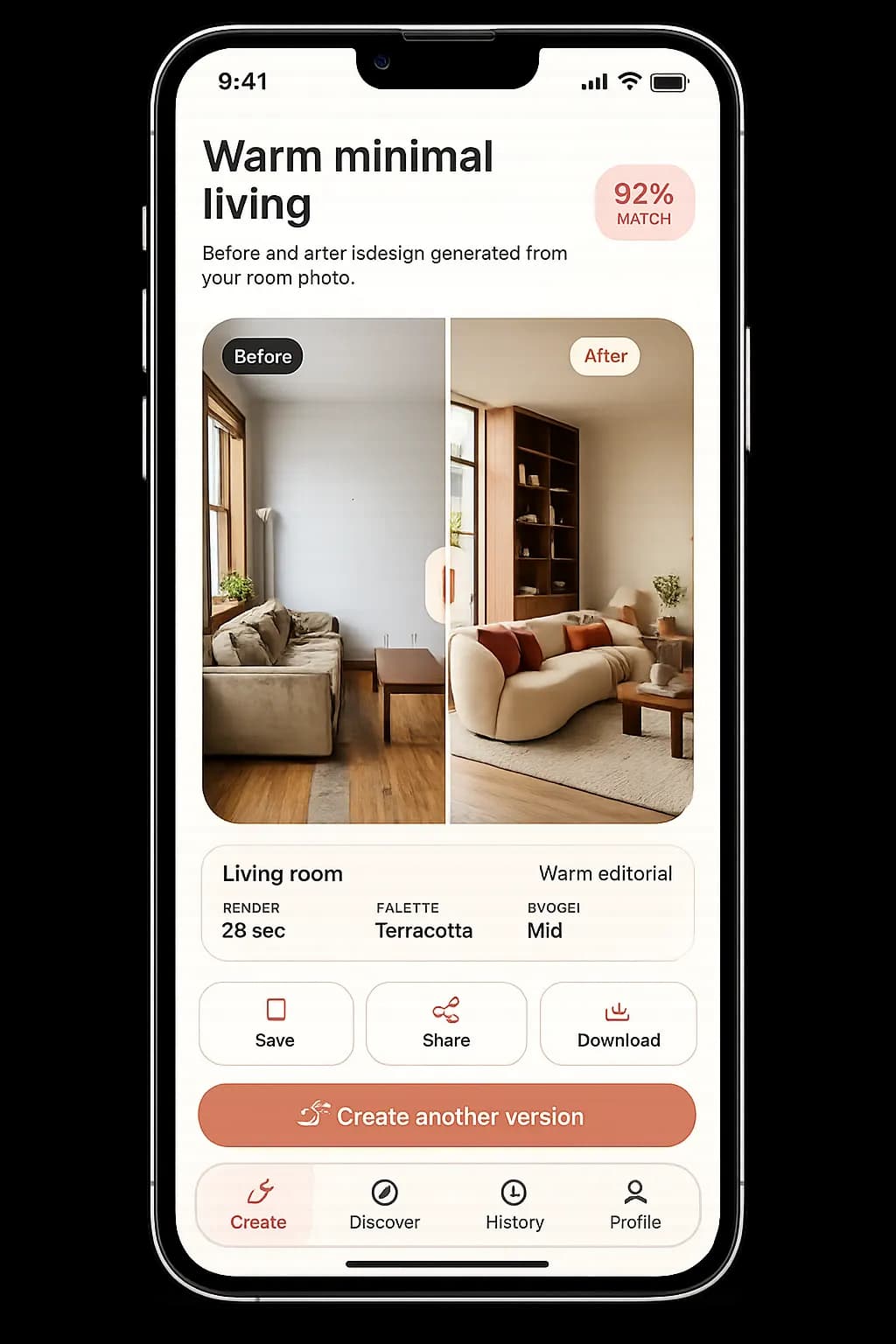
How it works
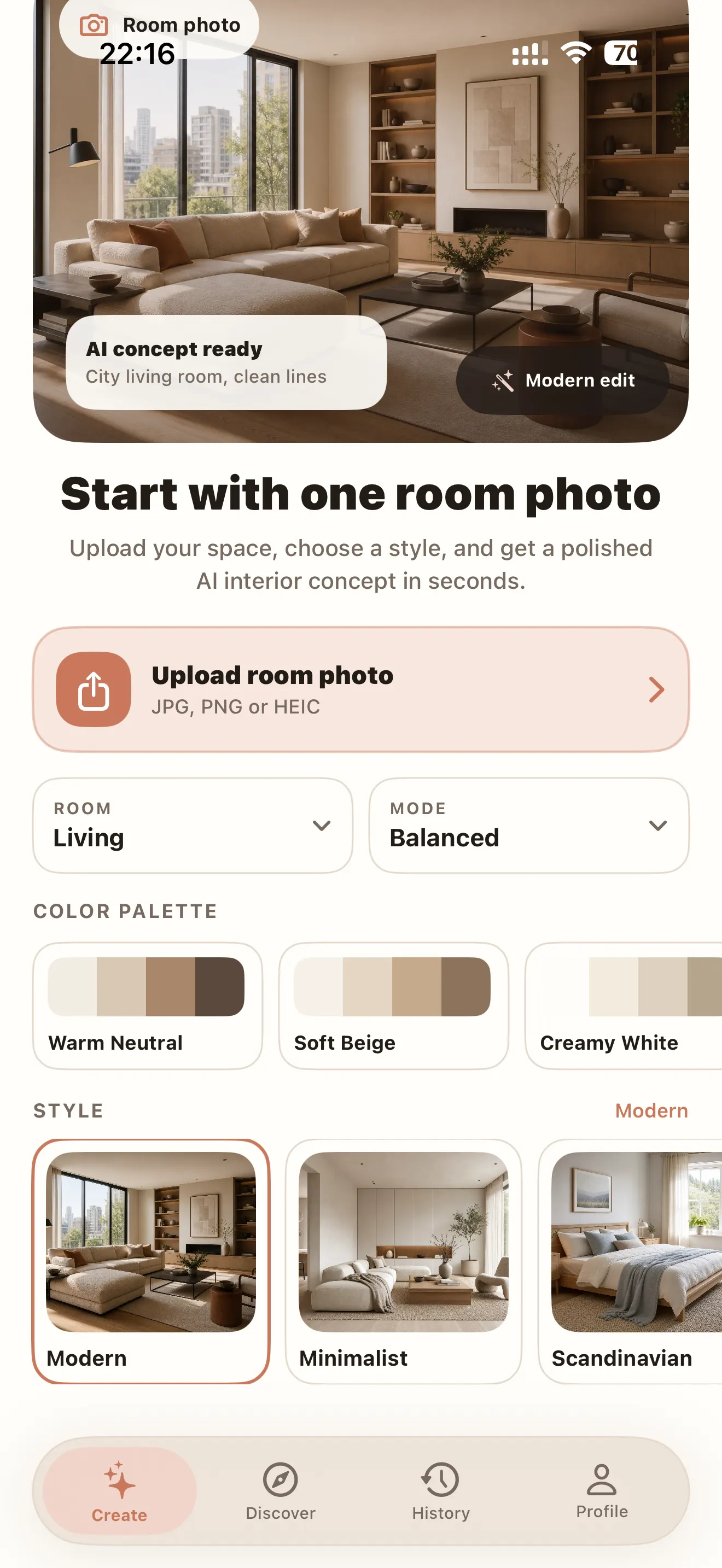
Start with one room photo
Upload your space, choose a room type, pick a color palette, select a style, and get a polished AI interior concept in seconds.
1. Upload a room photo
Start with a clear image of your living room, bedroom, kitchen, office or any other space.
2. Choose palette and style
Explore warm neutrals, soft beige, creamy whites and pair them with Modern, Minimalist, Scandinavian and more.
3. Generate a refined concept
Roomlio turns your inputs into a styled interior concept you can save, share and refine further.
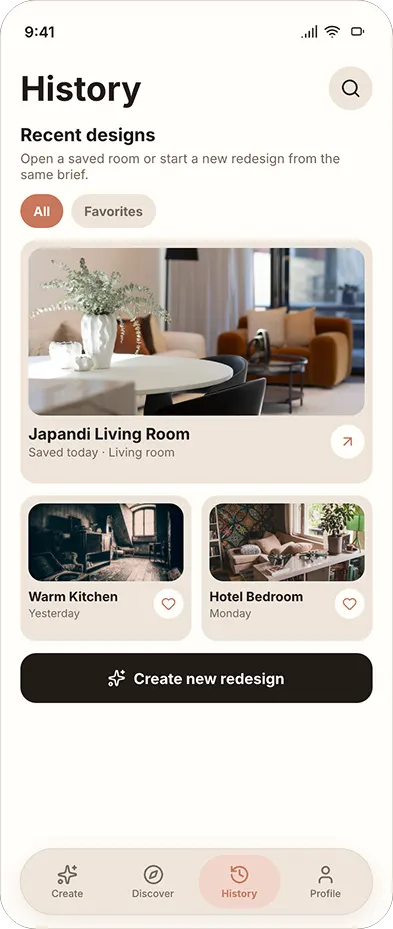
Save your ideas
Revisit, compare and refine past designs
Keep your favorite redesigns in one place, compare different directions, and return to earlier room concepts whenever you want a fresh perspective.
Browse recent concepts
Open recent interior ideas and continue from the versions you already like.
Keep favorites nearby
Save standout designs so you can revisit the strongest visual direction later.
Compare room variations
Explore multiple moods, palettes and styles without losing previous concepts.
Start a new redesign fast
Launch a fresh concept from your saved room ideas whenever inspiration strikes.
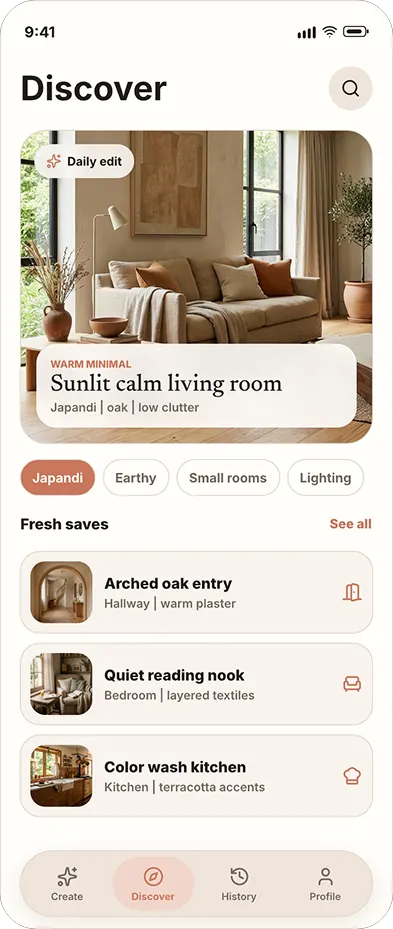
Discover inspiration
Explore rooms, styles and fresh ideas
Browse curated interior concepts, discover new visual directions and save the ideas that match the way you want your space to feel.
Curated daily inspiration
Explore a featured interior concept and use it as a starting point for your own room.
Browse by mood and style
Discover Japandi, warm minimal, earthy interiors, small rooms and lighting-focused ideas.
Save ideas for later
Keep useful spaces, materials and color combinations close while planning your next redesign.
Designed around your space
One app for every room.
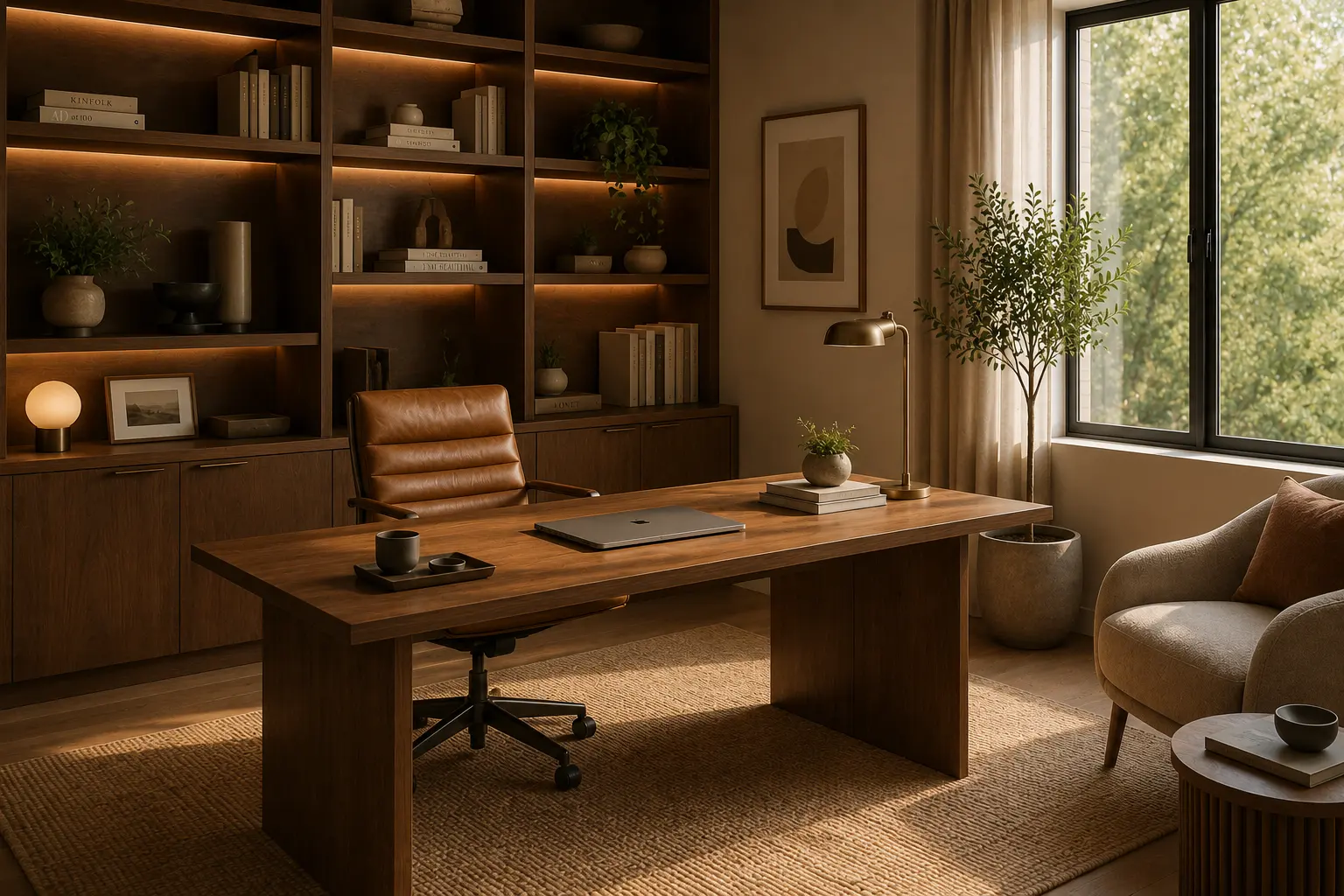
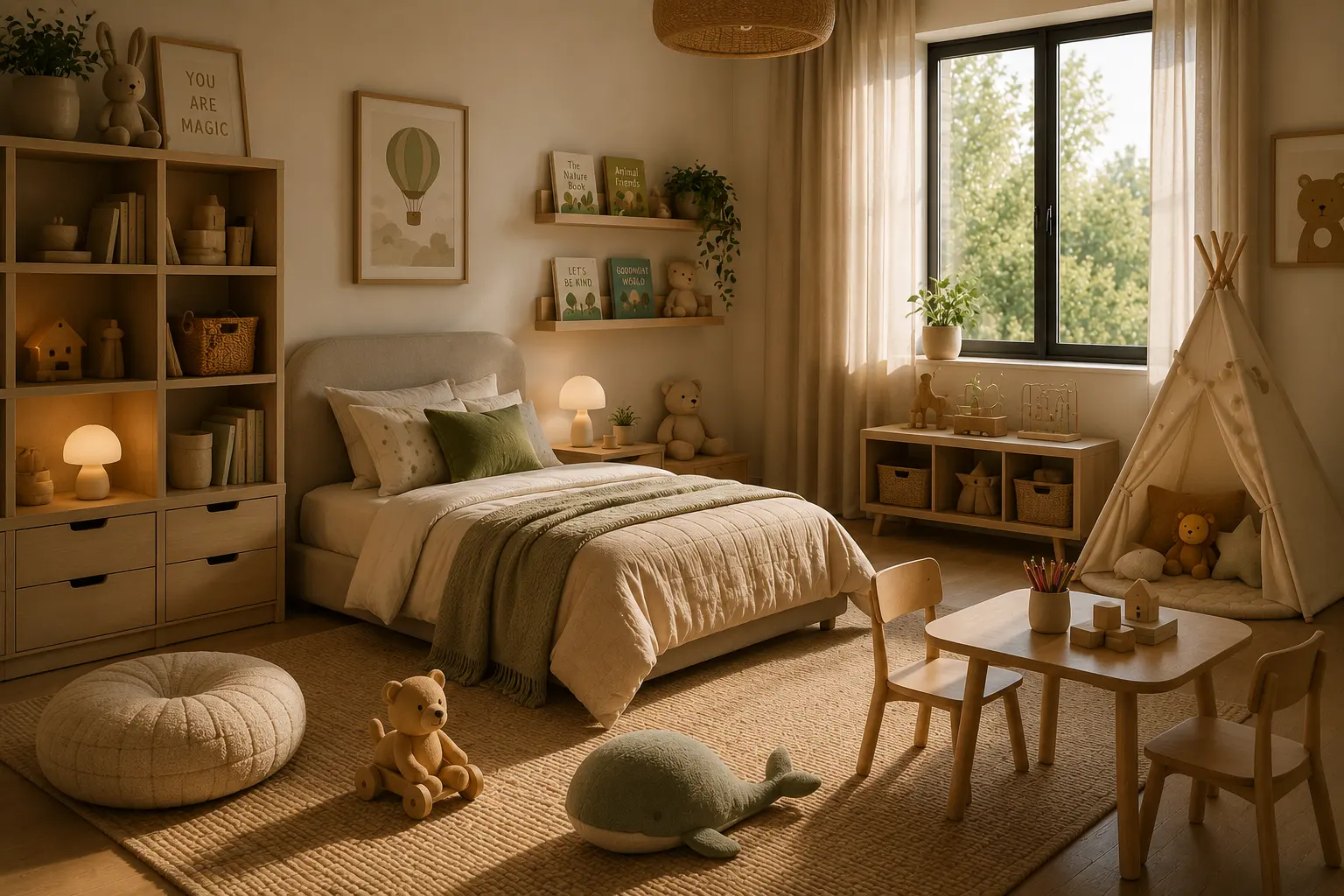
Explore personalized concepts for interiors, gardens, home exteriors and empty spaces.
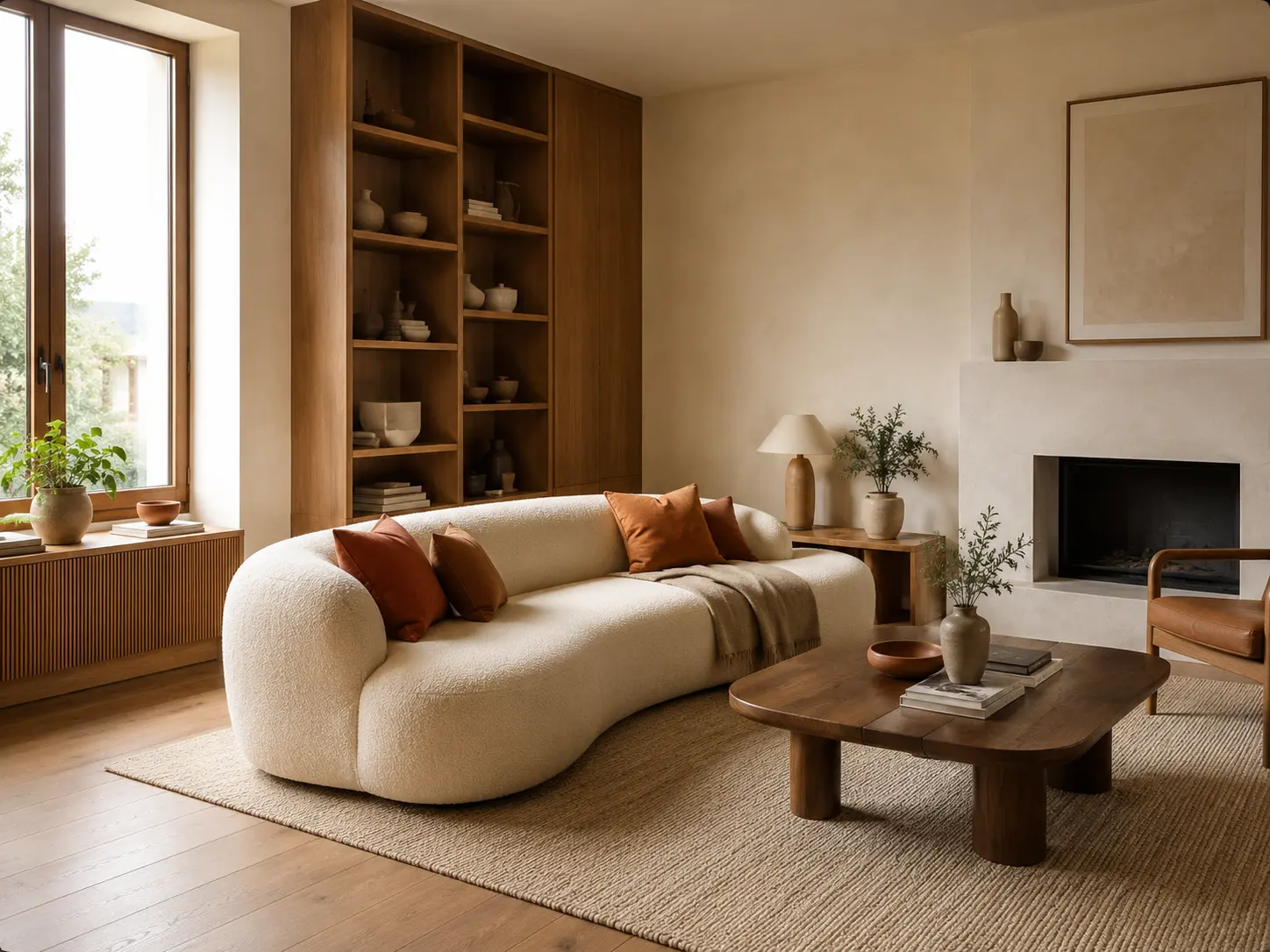
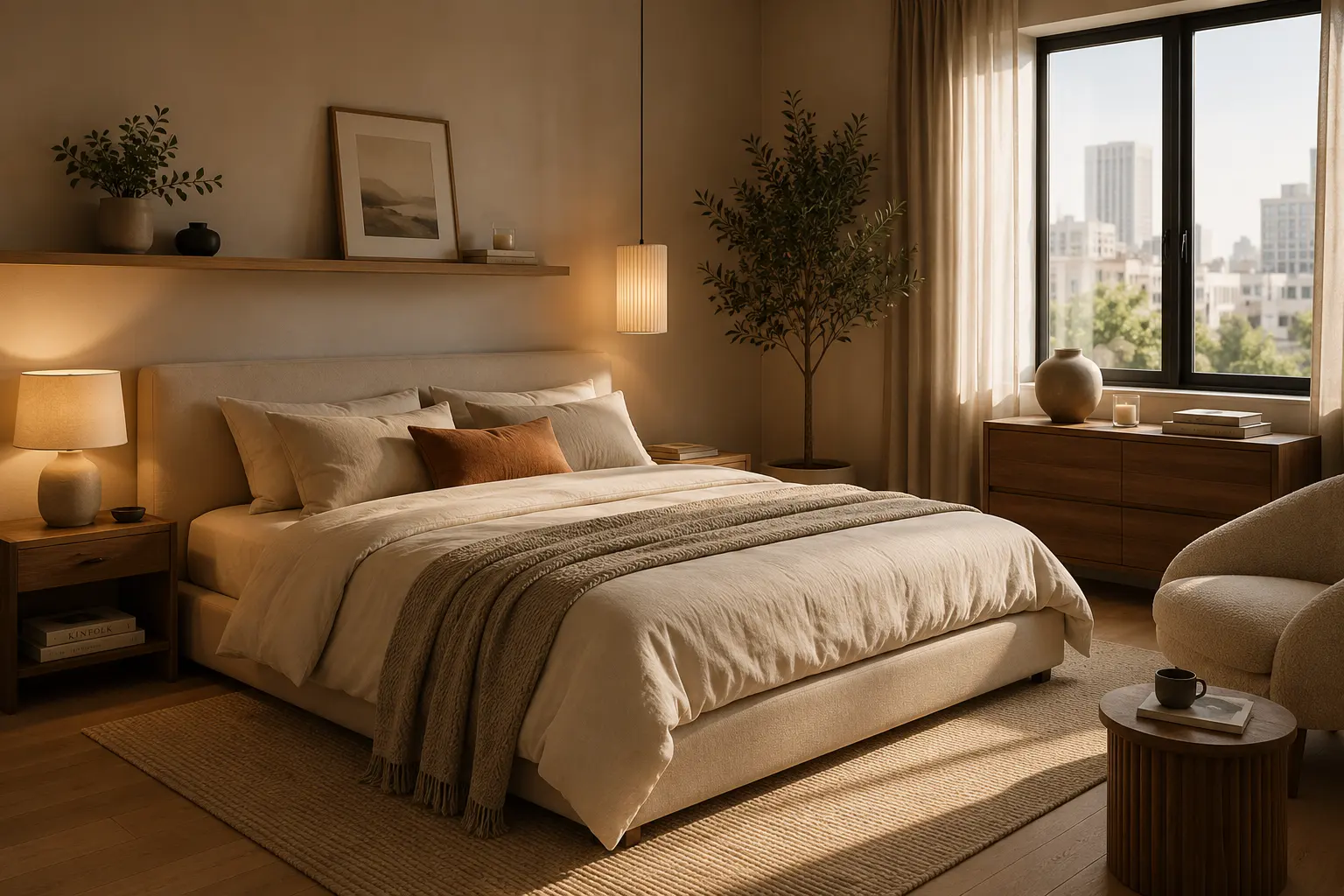
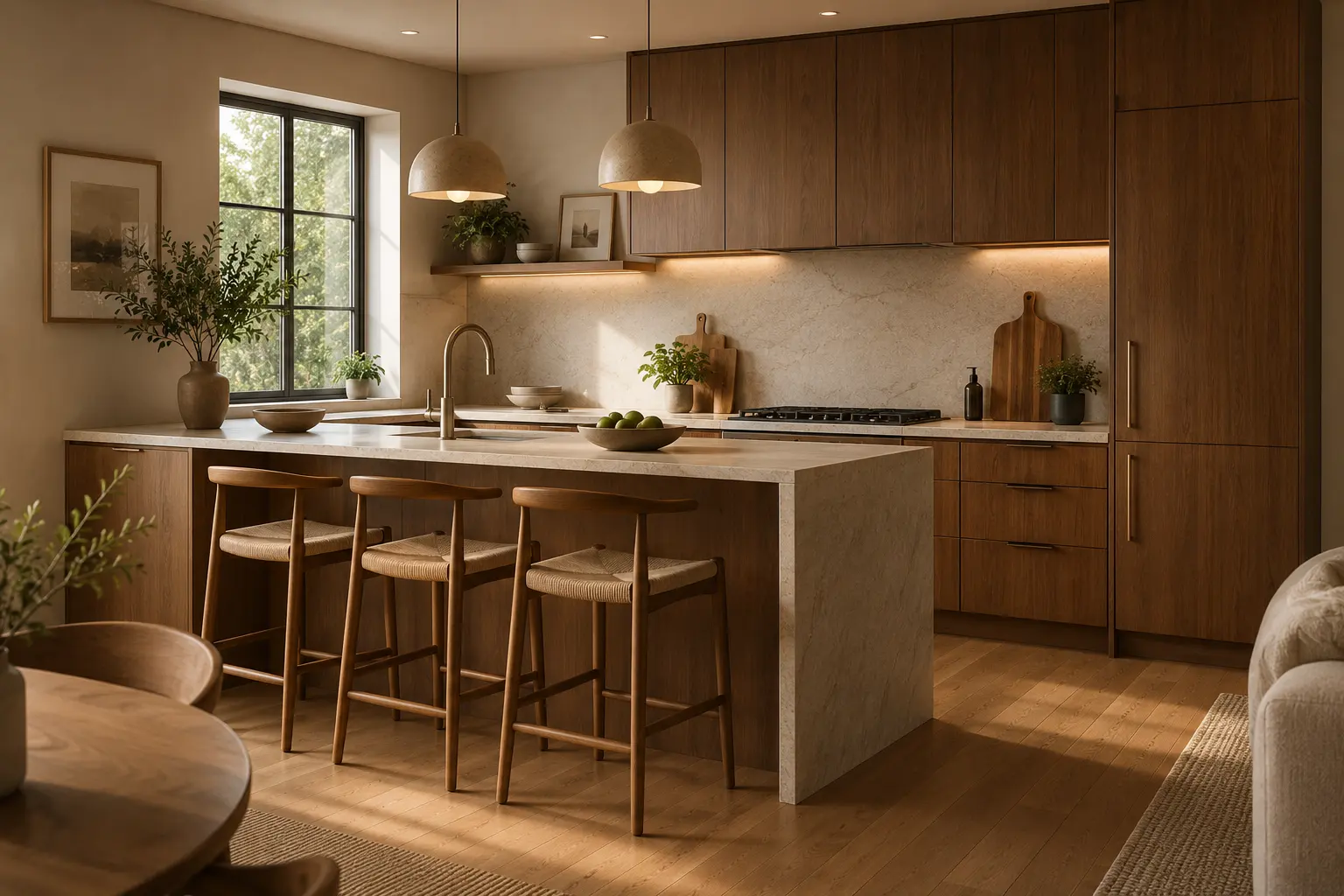
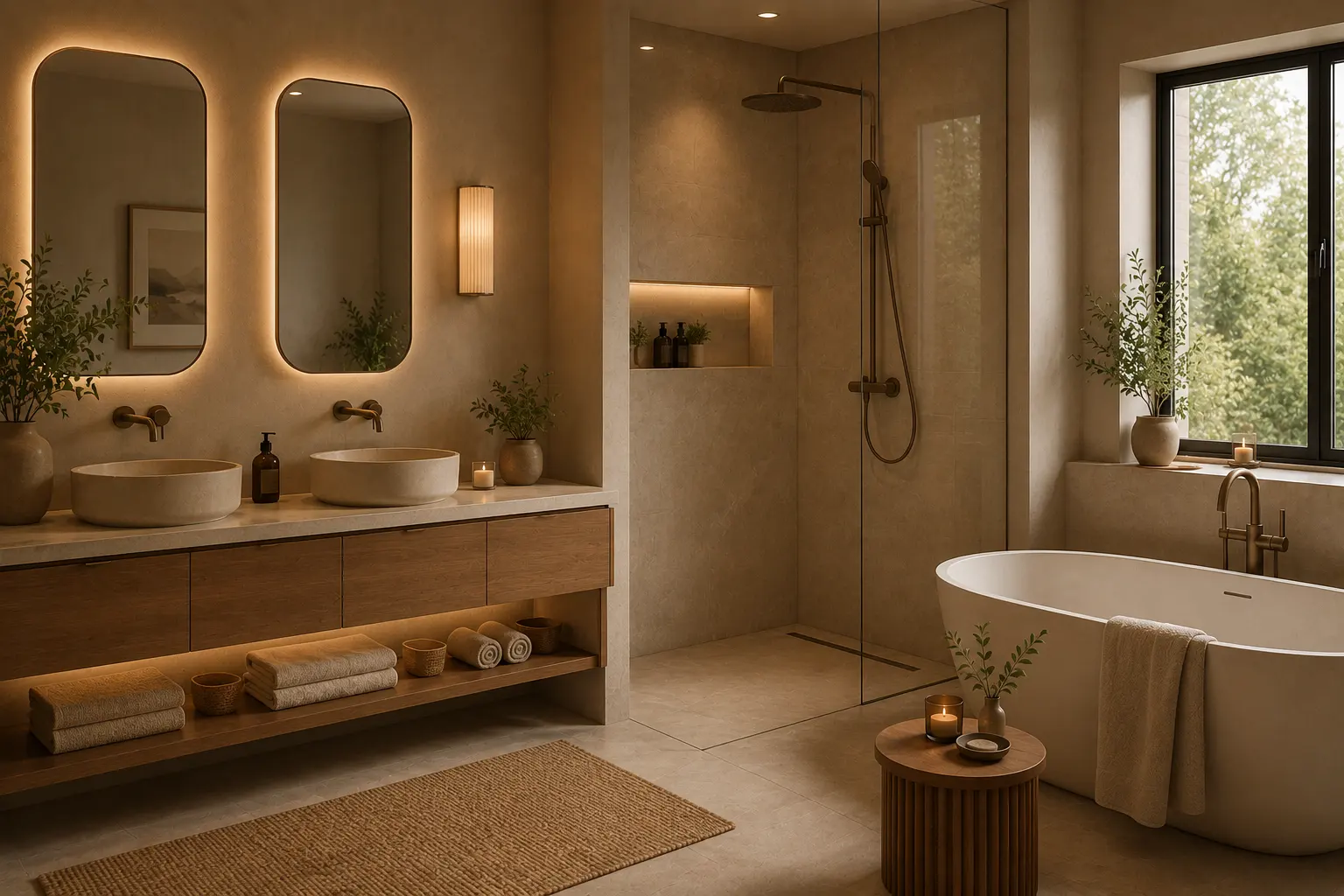
How it works
From photo to fresh perspective.
Roomlio turns a simple room photo or written idea into a new interior direction.
Upload a photo
Use a photo of your real room or start by describing the space you imagine.
01
Choose your direction
Select the room, interior style and color palette that fit your idea.
02
Generate your design
Roomlio creates a personalized interior concept that you can save or share.
03
Find your style
Explore a different way to live.
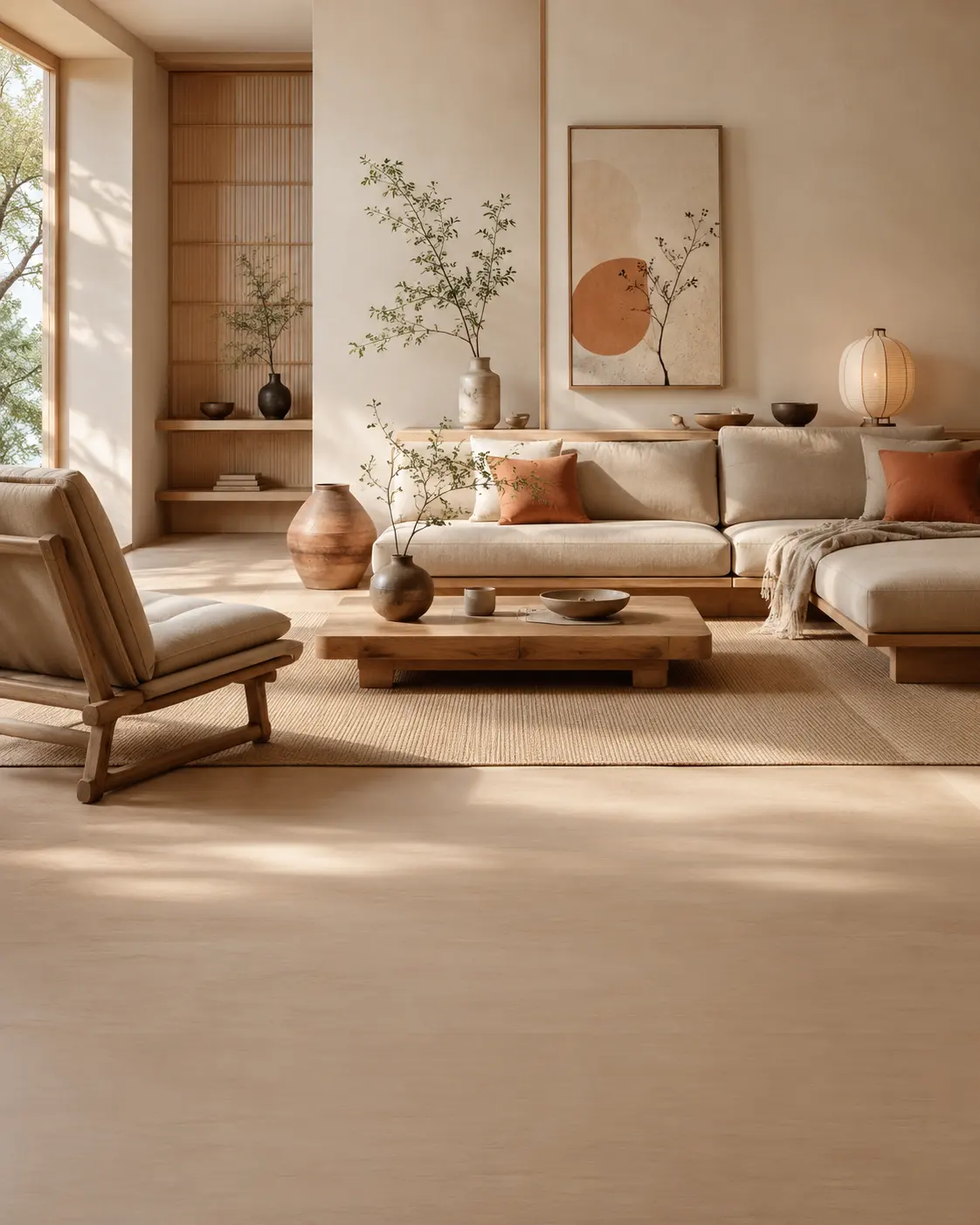
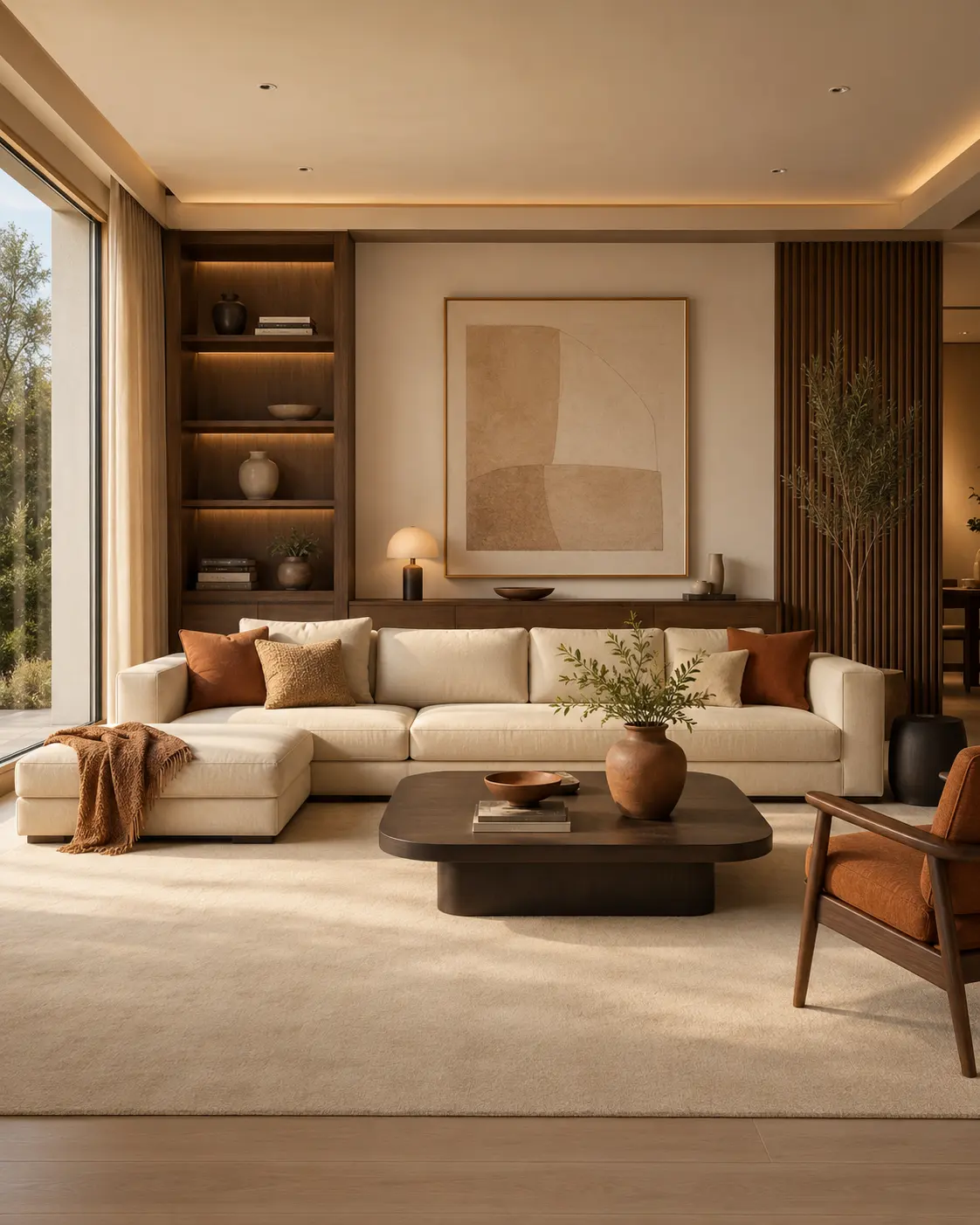
Compare distinct interior directions and discover the materials, colors and atmosphere that feel right for your space.
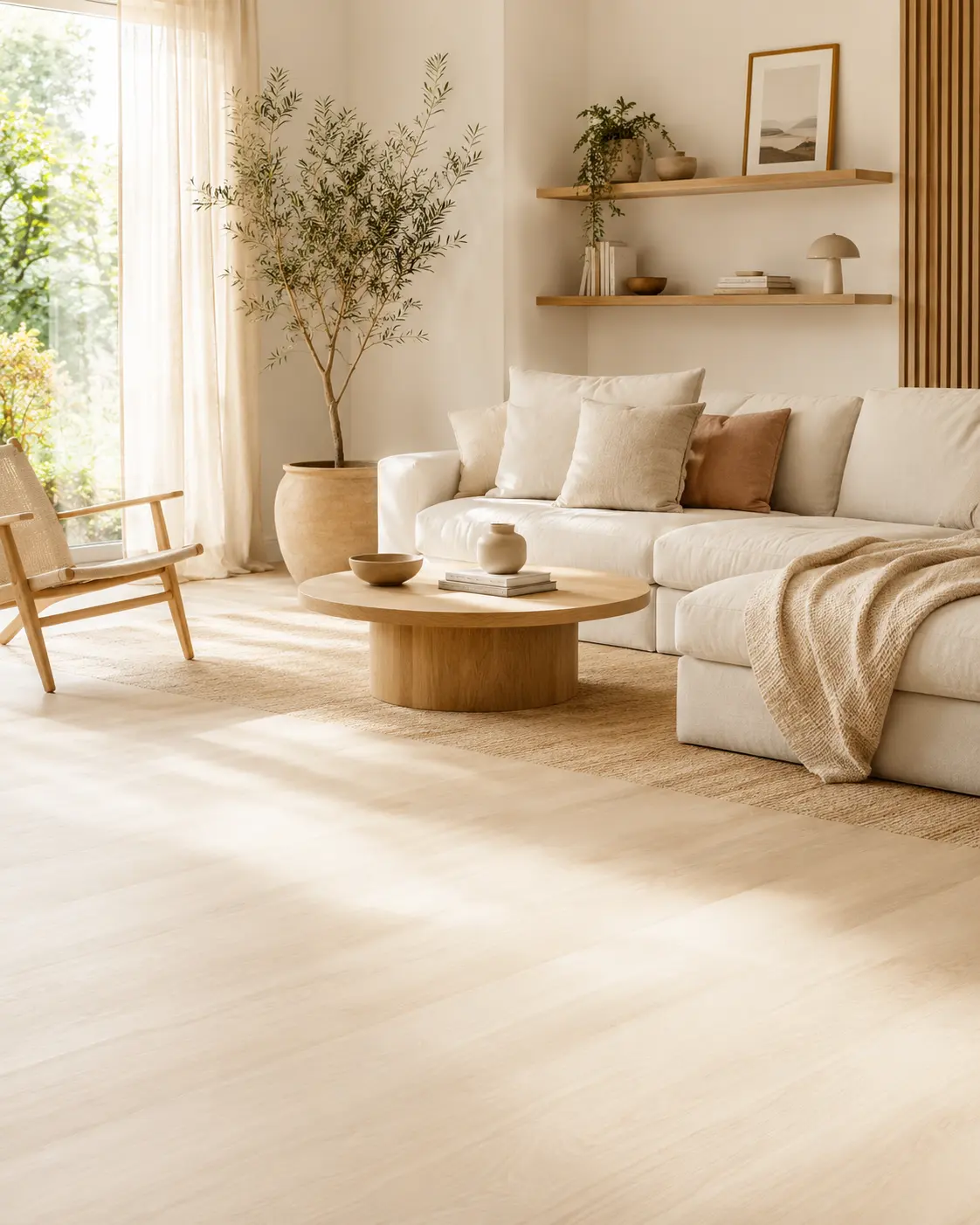
Built for exploration
Design freely. Keep what inspires you.
Generate from a photo or prompt, adjust the room, style and palette, then save and share your favorite results.
Start designingYour next room starts here
See your space differently.
Turn your photo or idea into a personalized interior design with Roomlio.
Download Roomlio