
Use a clear starting photo
The image should show the main walls, floor, furniture and architectural layout.
AI Interior Design Inspiration
See how a room photo can become a completely different visual concept through style, palette and design changes.
Design inspiration
Before-and-after visualization helps compare an existing room with a possible future direction. Roomlio uses a photo as the starting point and combines it with a selected room category, interior style and color palette to generate a new concept.
The image should show the main walls, floor, furniture and architectural layout.
Compare styles or palettes separately to understand which choice creates the strongest result.
Generated concepts communicate an atmosphere rather than exact construction details.
Furniture, materials and circulation should be measured before implementation.
Before and after gallery
Compare the original room with a new visual direction created through a different interior style, palette and atmosphere.
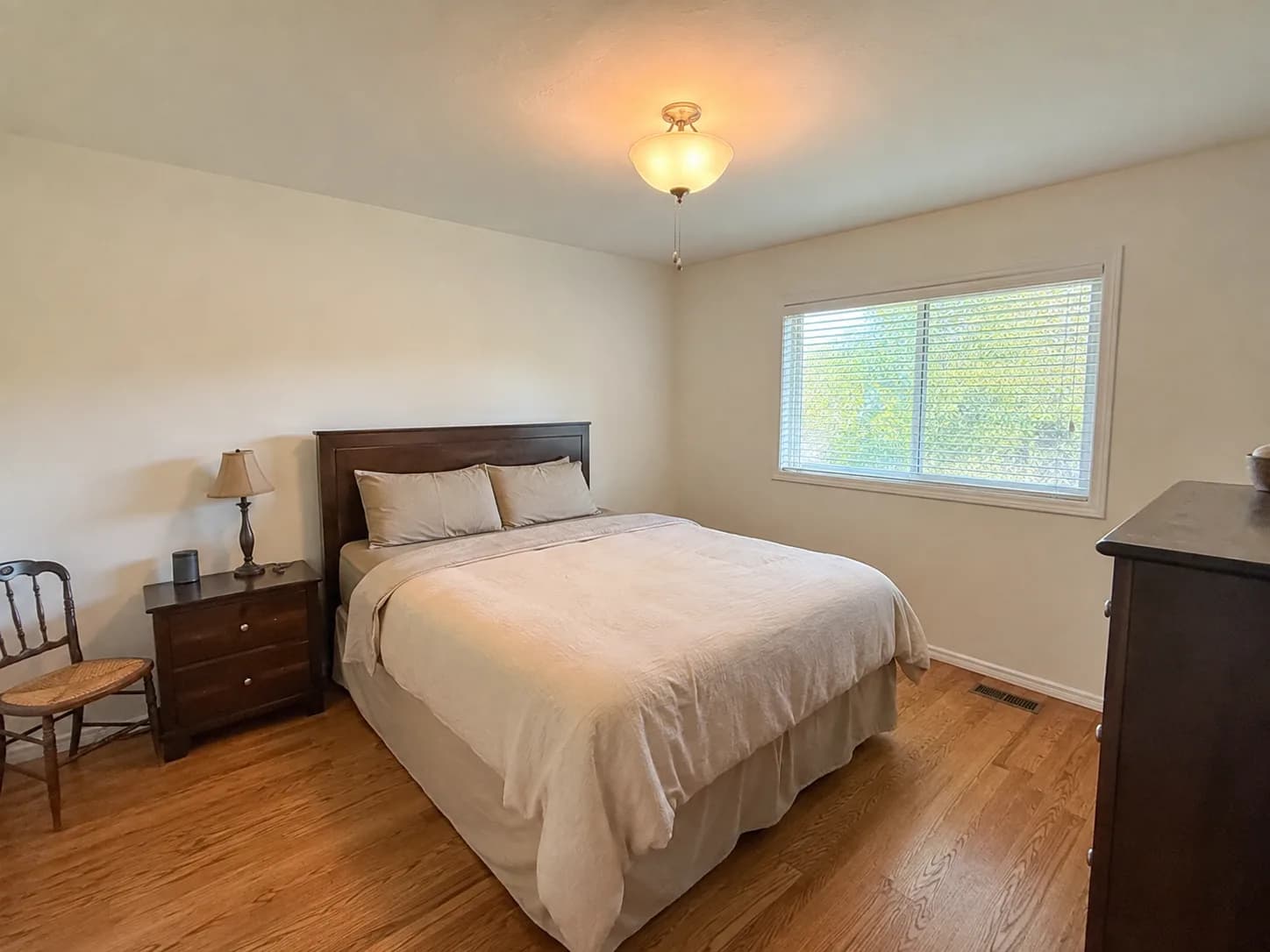 Before
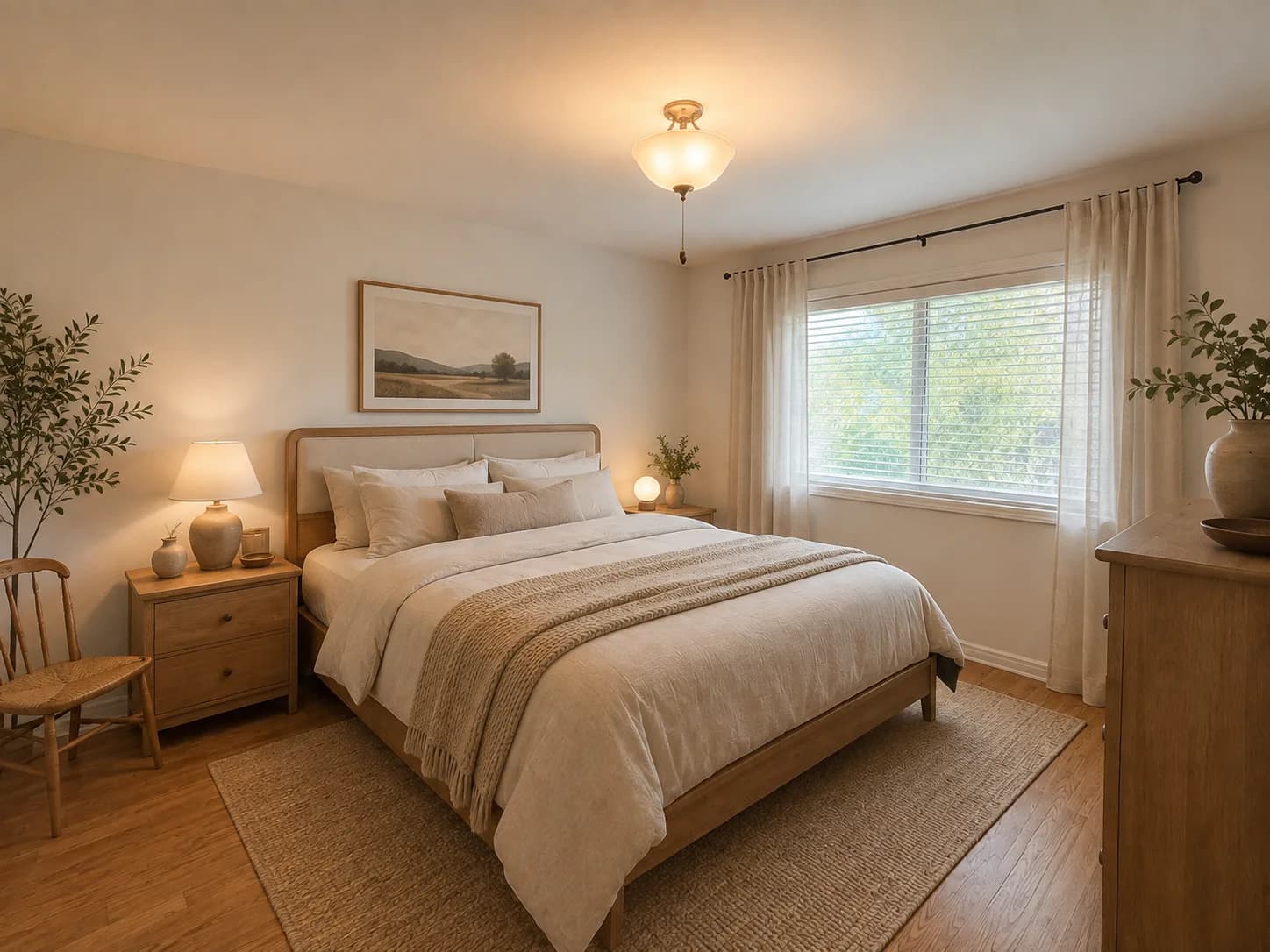 After
AfterJapandi transformation
A plain bedroom reimagined with lighter natural wood, layered neutral textiles and a calmer visual direction.
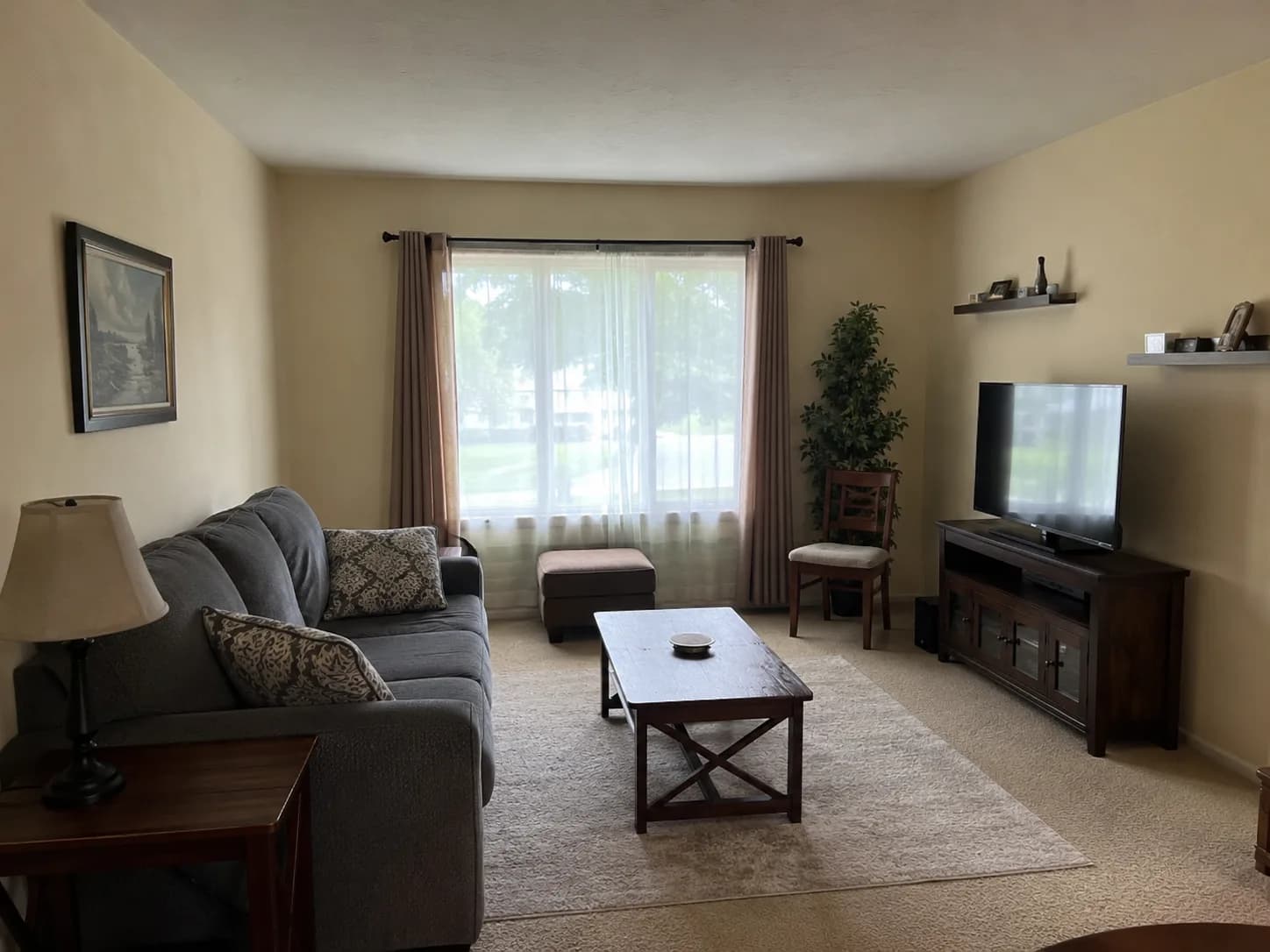 Before
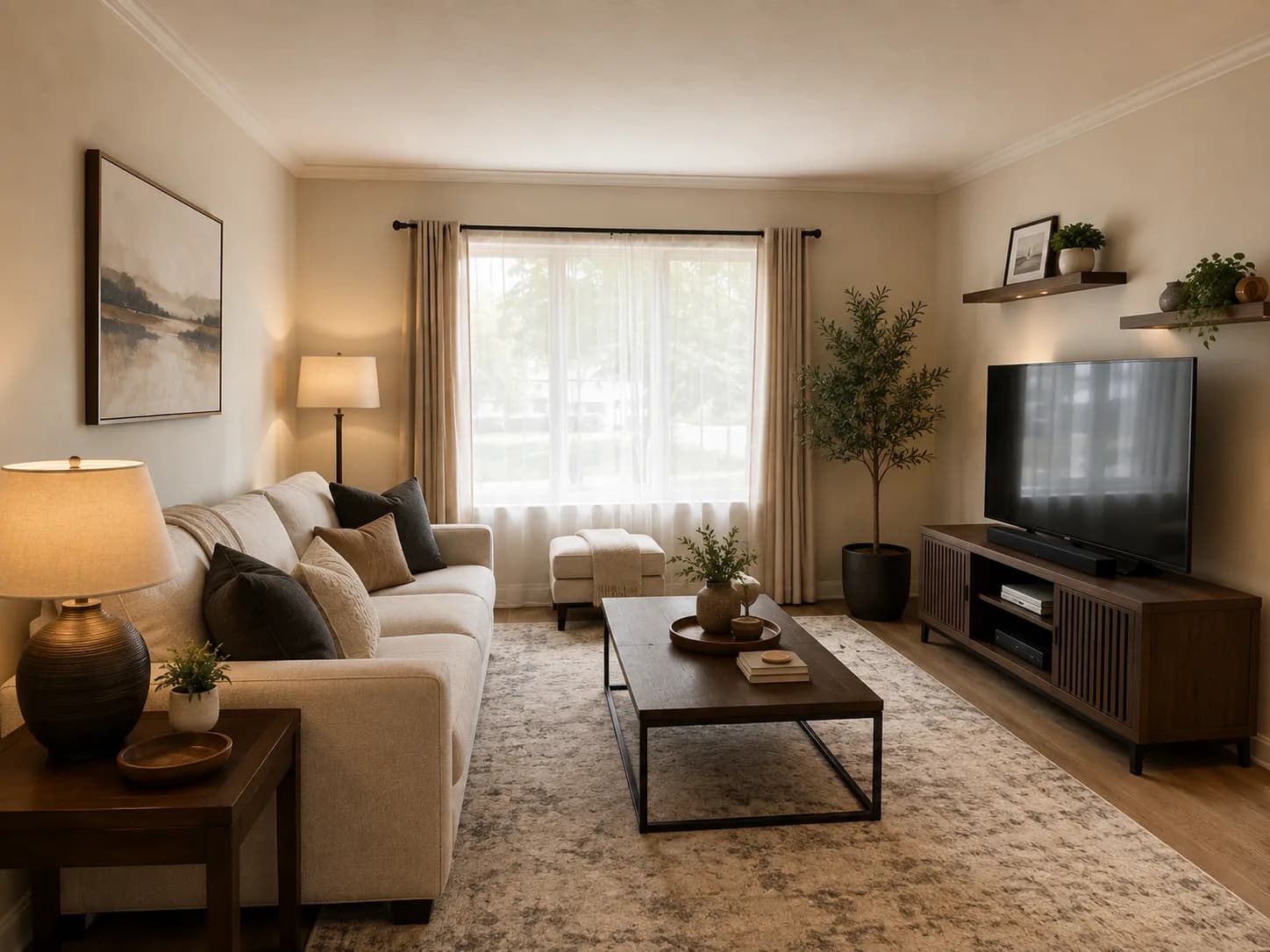 After
AfterModern transformation
A dated living room refreshed with a coordinated palette, cleaner furniture and more balanced lighting.
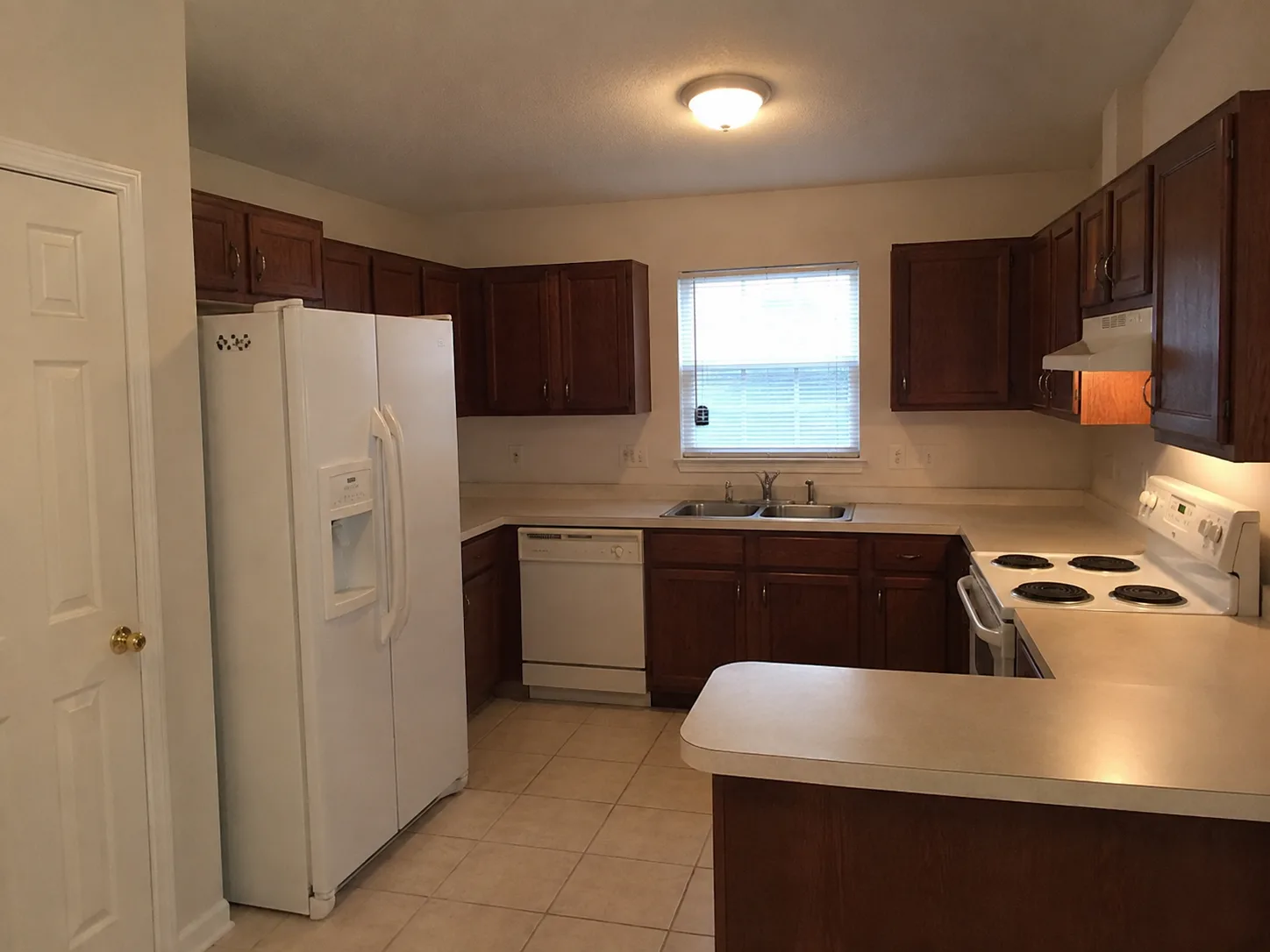 Before
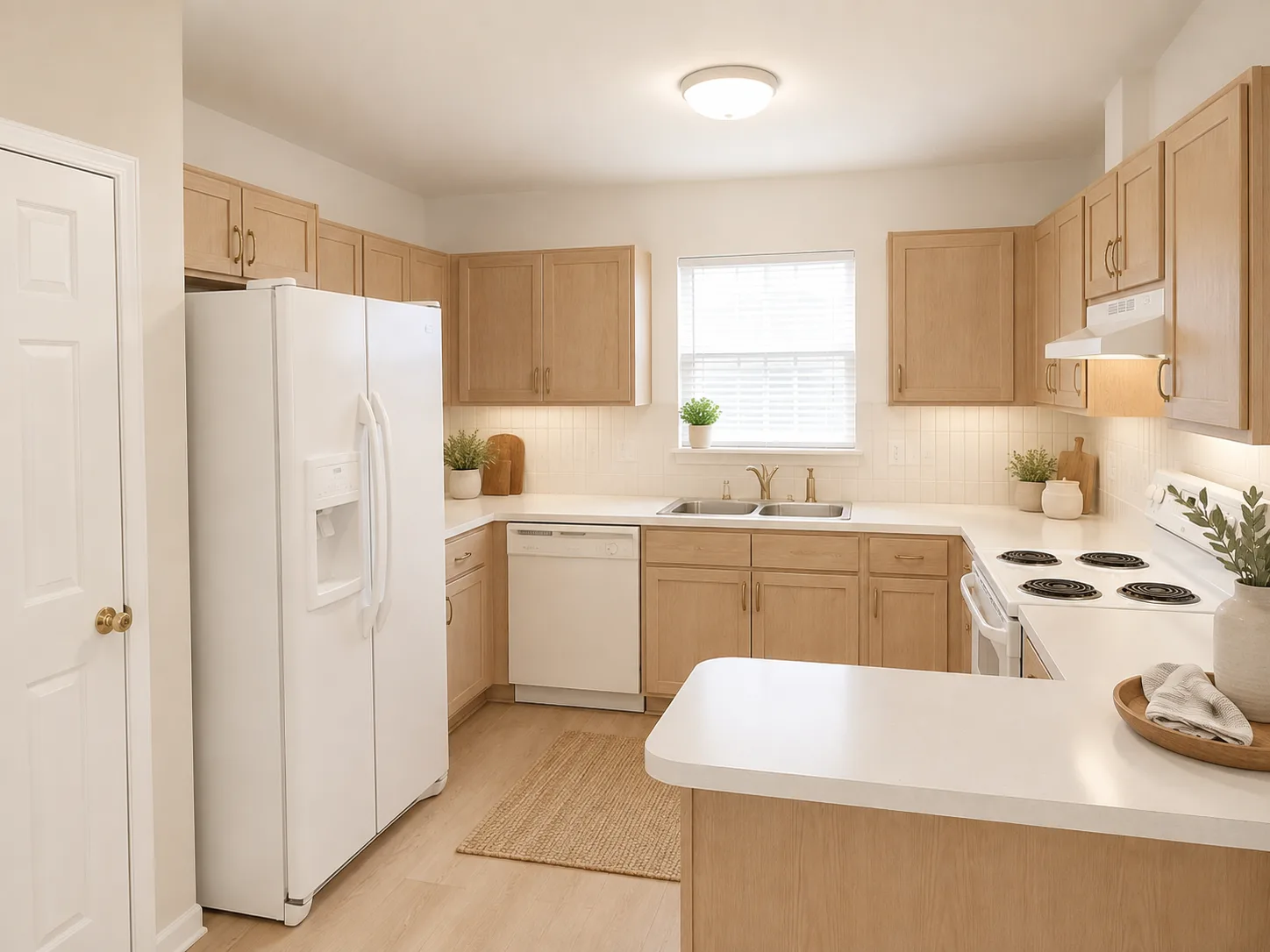 After
AfterScandinavian transformation
A darker kitchen visualized with lighter cabinetry, brighter surfaces and natural wood accents.
Practical guidance
Avoid extreme cropping so the generator receives more spatial context.
Very dark or overexposed photos may hide important room details.
Compare multiple styles and palettes before selecting one direction.
Keep the results that best communicate the desired atmosphere.
Refer to generated concepts when selecting colors, materials and furniture.
Confirm measurements and technical requirements separately.
Recommended styles
Try it with your room
Upload a room photo, choose a style and palette, then generate a personalized concept with Roomlio.
Create Your Before and AfterFrequently asked questions
Upload a room photo, choose the room category, select a style and palette, then generate a new visual interpretation.
The photo is used as the starting point, but furniture and smaller architectural details may be reinterpreted.
Yes. Use different styles and palettes to compare several possible directions.
No. They are intended for visual inspiration, so measurements and technical details should be verified separately.